Play without JIT
JIT-less mode compiles a game's code ahead of time and signs it on your device with your own certificate. No debugger, no JIT enabler. To our knowledge, LemoNX is the first Switch emulator for iOS to do this. Set it up ↗
 LemoNX
FOR IPHONE & IPAD
A Nintendo Switch emulator that can run games without JIT, with a native Metal 4 renderer, on-device pairing for JIT setup, and cloud save history.
JIT or JIT-less mode · Bring your own games, keys, and firmware
No games, keys, or secrets are provided.
JIT-less mode compiles a game's code ahead of time and signs it on your device with your own certificate. No debugger, no JIT enabler. To our knowledge, LemoNX is the first Switch emulator for iOS to do this. Set it up ↗
A renderer built directly on Metal 4, alongside the Vulkan options. Experimental: compatibility and performance vary by game and device.
On iOS 27, create the pairing file for JIT setup on the device itself. No computer needed. How it works ↗
INSIDE LEMONX
Explore the library, settings, and save history. Screens show sample artwork, play records, settings, and saves; online controls are shown signed out.
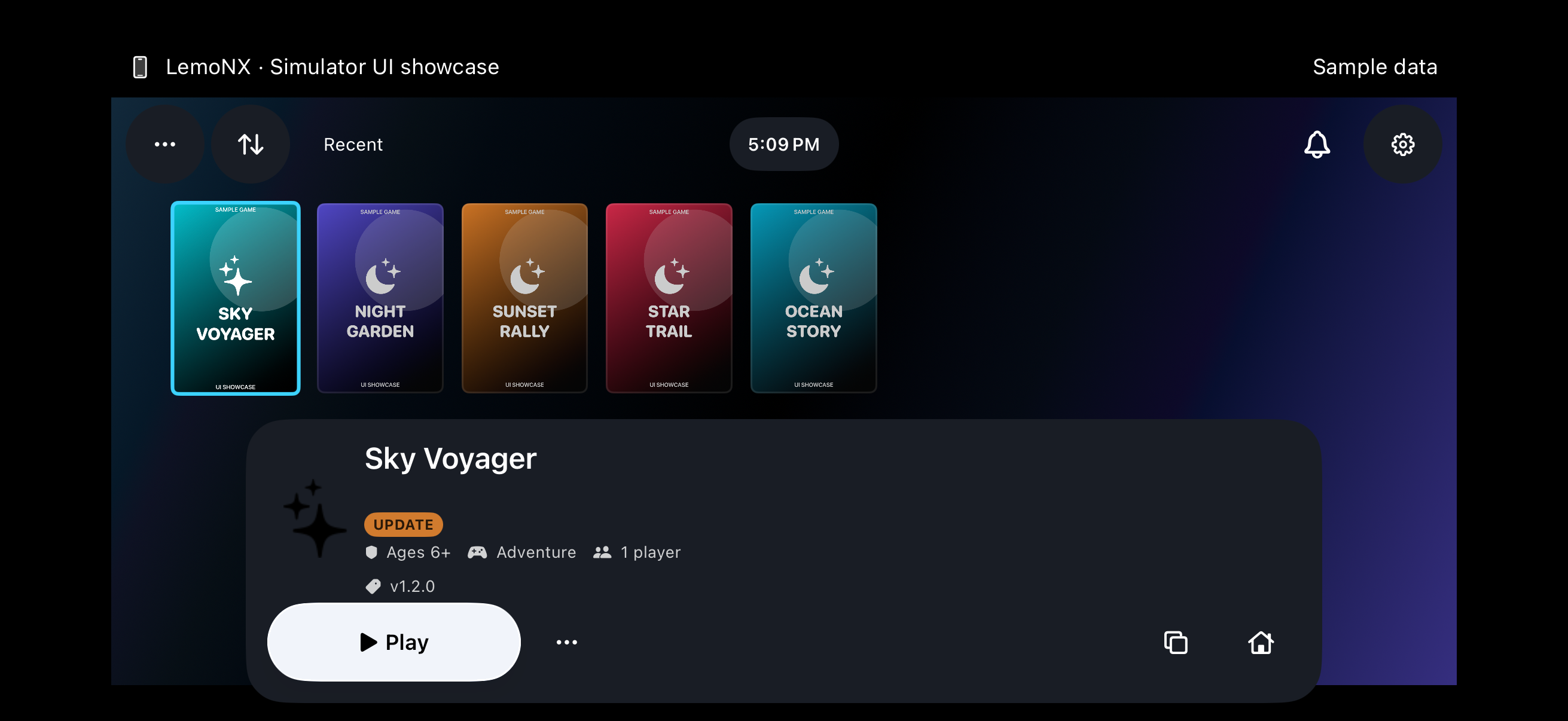
A wider view of the library and game details in landscape.
Full-size capture ↗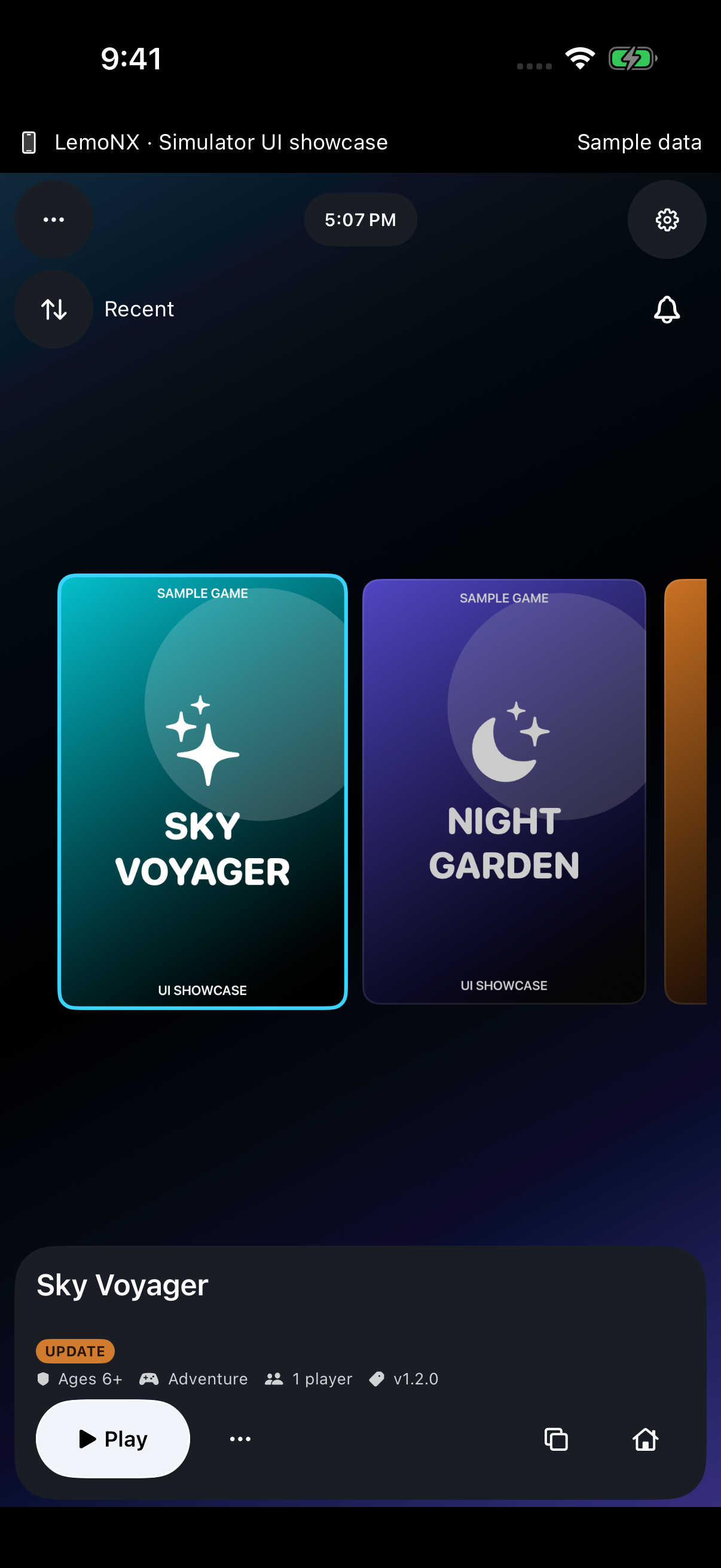
Browse your library and game details in portrait. Sample artwork and play history shown.
Full-size capture ↗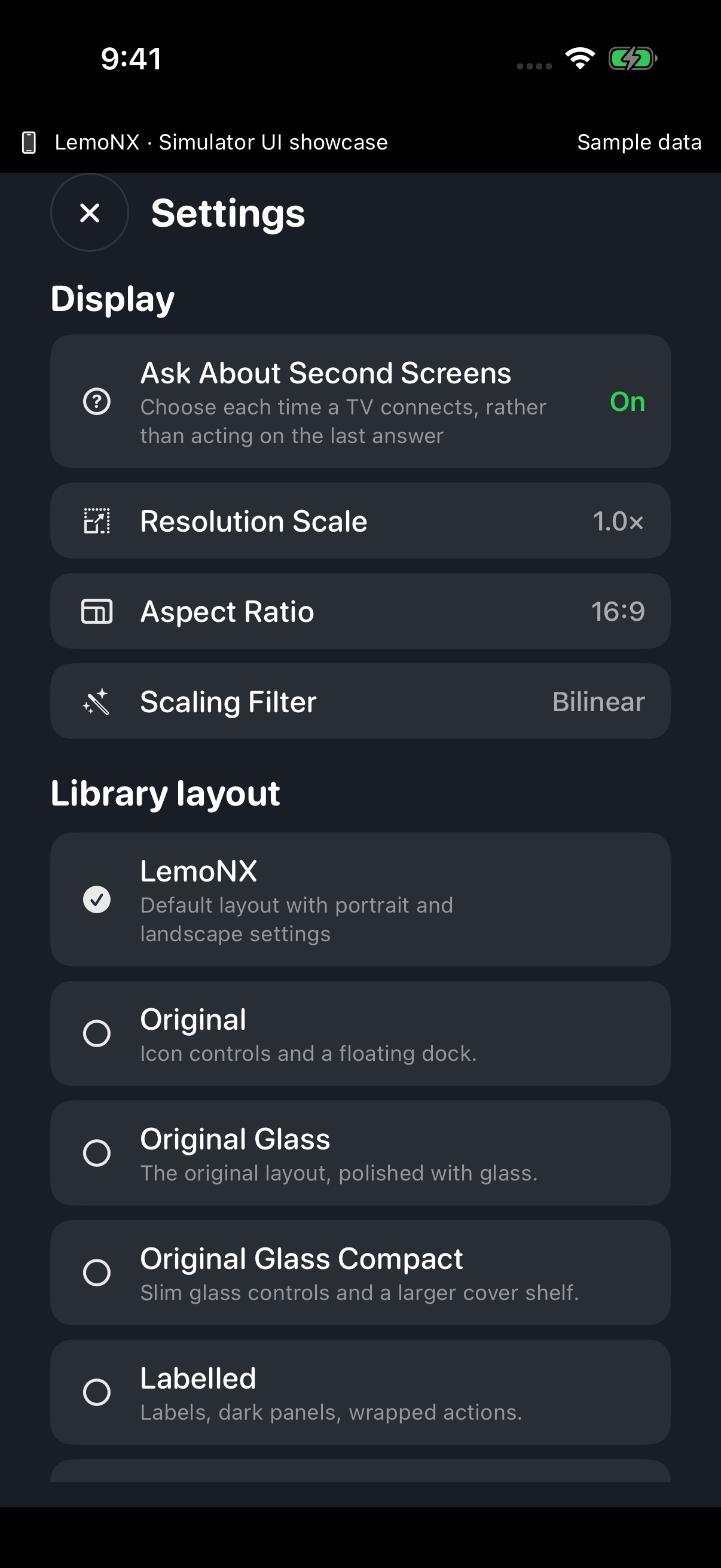
Browse console options and preferences. Sample settings shown.
Full-size capture ↗
Browse save versions and restore options. Sample saves shown.
Full-size capture ↗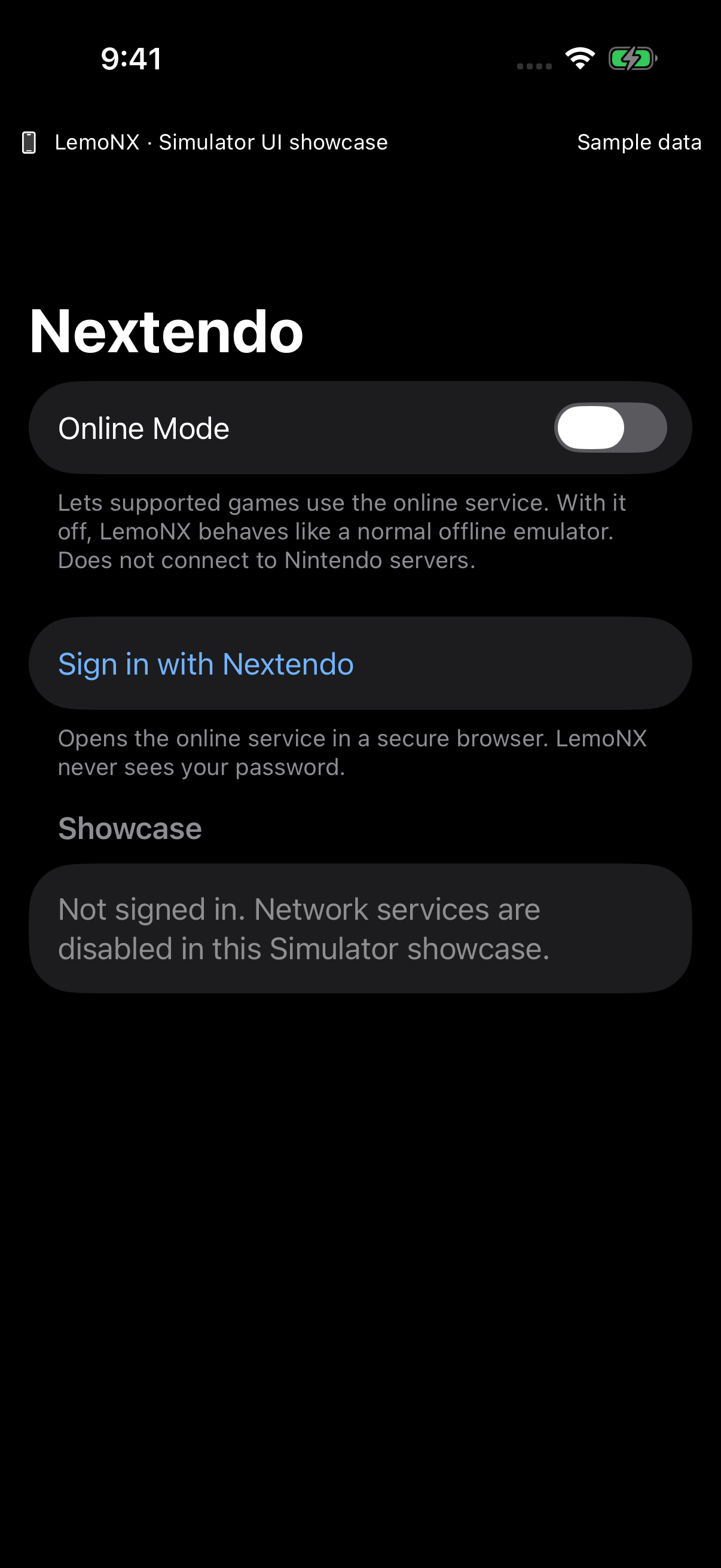
Explore online settings and sign-in options in the signed-out view.
Full-size capture ↗INSTALLATION
Add the source in a compatible installer, or download the IPA and import it yourself. Signing and JIT depend on your installation method.
Copy this URL to add the source manually.
Add to AltStoreOpen this page on your device with AltStore installed. If it does not open, copy the source URL into the app.
Download IPA to import manually ↓Prefer a direct download? Published IPAs will also appear under Releases.
RESOURCES
A Shortcut for enabling LemoNX’s built-in JIT with LocalDevVPN. It downloads the developer disk image before changing connectivity, then restores the connection after the JIT attempt.
Requires LemoNX build 147 or later, LocalDevVPN, and completed pairing setup in LemoNX. Earlier builds, including the build 139 release, do not support this Shortcut.
The first run needs internet access to download the developer disk image. Tested on an iPhone with build 147.
WITH THANKS
Special thanks to Stossy (Stossy11) for creating MeloNX. Without his work, none of this would be possible.
Thank you to the Nextendo team for the online service, and to the Ryujinx, Ryubing, and MeloNX contributors, the developers whose work we build on, and everyone helping with testing and artwork.
Credits and acknowledgements ↗SUPPORT DEVELOPMENT
Donations are completely voluntary and help support LemoNX development. Thank you for your support.
CHANGELOG
No public release has been published. Development builds are not listed here.